Project managers
Stay across commercial issues without chasing every file
Palydin gives project managers a clearer view of claims, variations, retention, compliance, documents, actions, and contract history without turning them into spreadsheet owners.
Roles
The PM needs visibility, not another spreadsheet
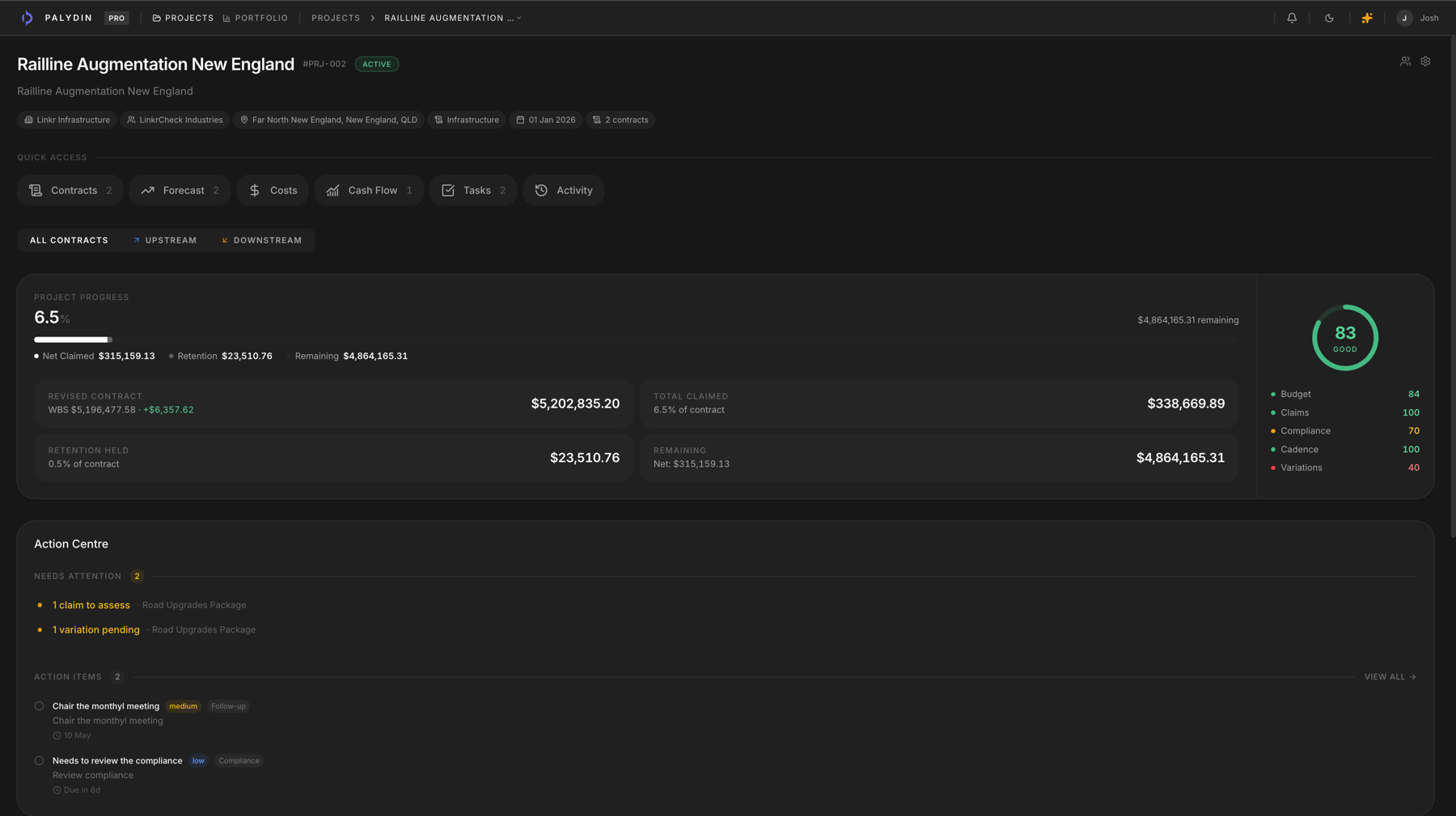
Project managers need to know what is claimed, what changed, what is blocked, and what needs a decision. Palydin makes those records easier to check.
- See claims, variations, retention, compliance, and open actions in context.
- Open the contract history behind commercial status updates.
- Keep PMs aligned with commercial teams and counterparties.
How Palydin handles it
A workflow for the full commercial day.
Status
Start with project health
See claims, actions, progress, and commercial signals in one project view.
Detail
Open the contract issue
Review the claim, variation, retention, compliance, or document record behind the status.
Follow up
Keep action visible
Use connected records and action items to keep decisions moving.
The repeat tasks Palydin keeps together.
- 01
Check whether claims are ready or blocked.
- 02
Review variation status and claim impact.
- 03
Track open commercial action items.
- 04
Find supporting documents without asking the team to resend them.
What gets easier when the record is clean.
- Less time chasing status updates.
- Clearer conversations with commercial teams.
- Better visibility before client or subcontractor meetings.
Follow the work behind the role.
FAQ
Direct answers for search visitors.
Verify the workflow before you talk to sales.
Start the Pro trial, load one contract, draft a real workflow, and decide from the product surface.