Commercial buildings
Contract admin for busy building project teams
Palydin keeps building project claims, variations, retention, compliance, documents, and assessment history together so commercial teams can keep month end moving.
Projects
Busy teams need fewer places to check
Building projects generate a steady stream of claims, changes, compliance requirements, and document checks. Palydin keeps the important contract records together.
- Track claims and assessments across contracts.
- Keep variations, retention, compliance, and documents visible.
- Reduce the spreadsheet and email chase before payment cycles.
How Palydin handles it
A workflow for the full commercial day.
Contracts
Keep each trade contract organised
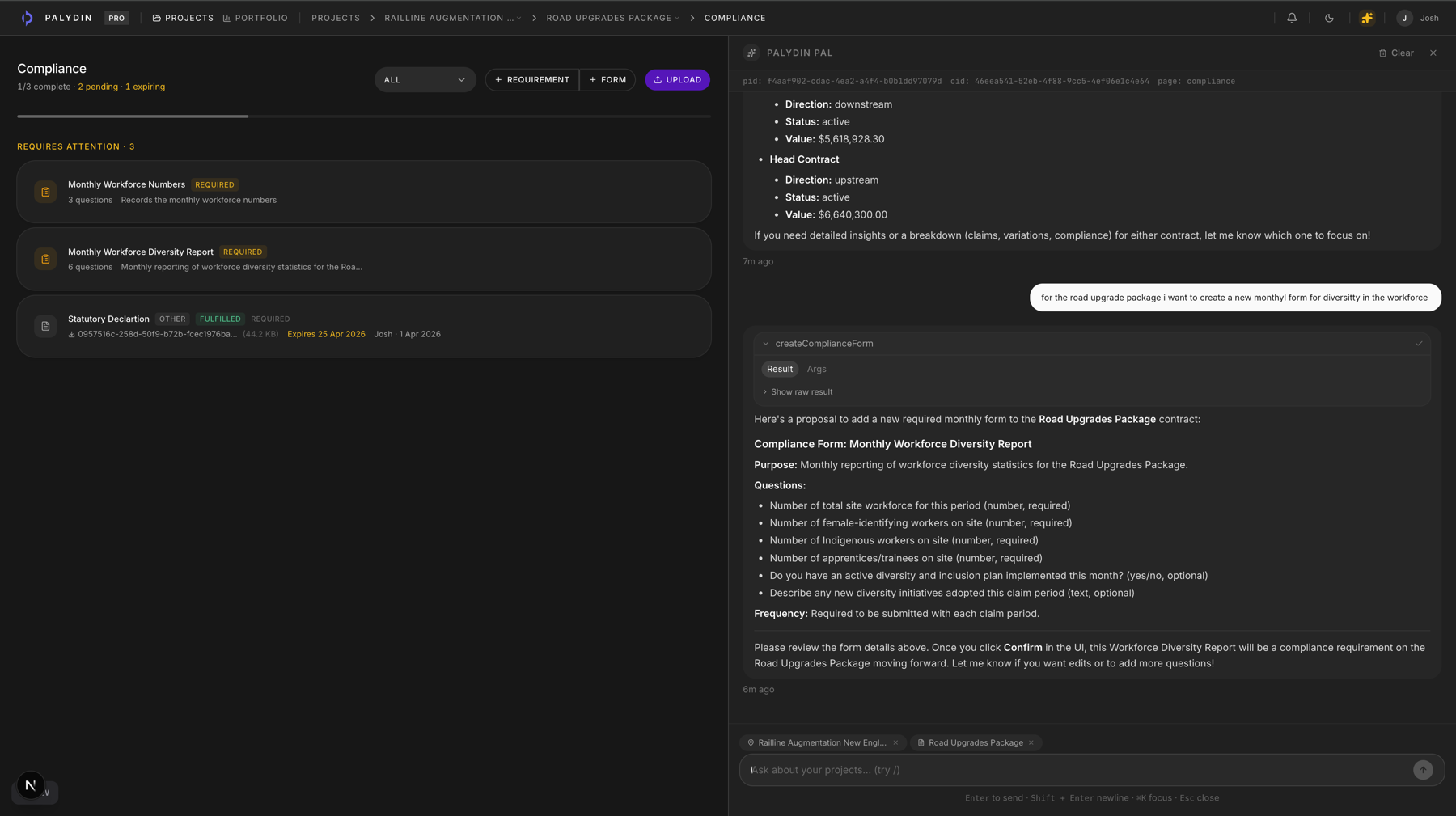
Set up contract scope, compliance requirements, retention settings, and documents.
Claims
Review monthly claims with context
Use claim history, compliance, variations, and documents during assessment.
Controls
Track what still needs attention
Keep open changes, blockers, and assessment gaps visible across the project.
The repeat tasks Palydin keeps together.
- 01
Assess subcontractor claims.
- 02
Check compliance status before claims progress.
- 03
Track approved, submitted, and pending variations.
- 04
Manage retention deductions and release requests.
What gets easier when the record is clean.
- Faster claim review with fewer side files.
- Clearer variation and retention position.
- Better visibility for PMs and commercial managers.
Follow the work behind the role.
FAQ
Direct answers for search visitors.
Verify the workflow before you talk to sales.
Start the Pro trial, load one contract, draft a real workflow, and decide from the product surface.