Comparison
Palydin vs Excel for construction contract administration
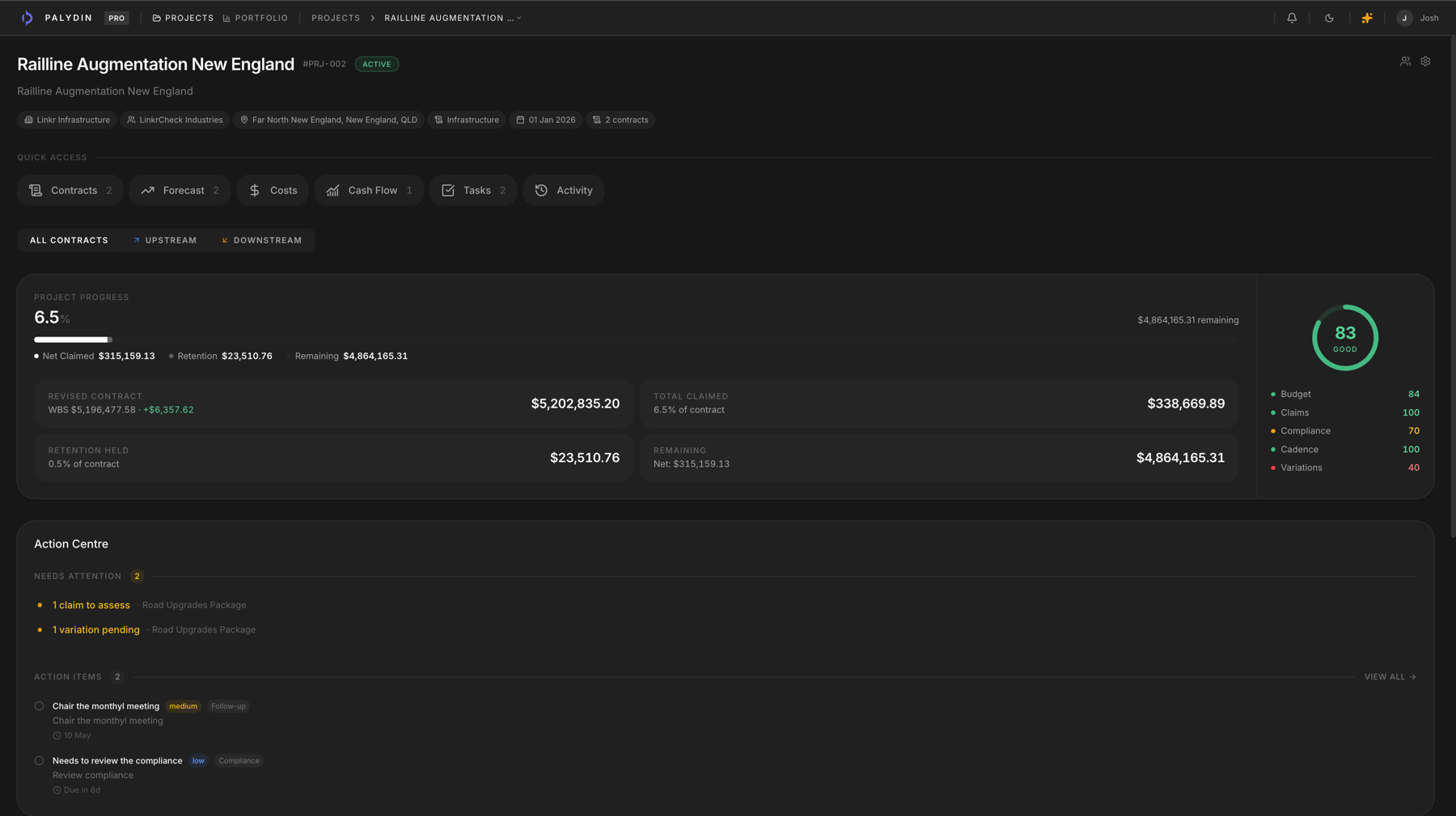
Excel can calculate a progress claim. It cannot keep the contract scope, claim period, prior assessment, retention, GST, payment schedule context, and audit history connected for both sides of the contract.
Comparison
Compare the workflow, not just the feature list.
| Workflow | Excel / claim-only tools | Palydin |
|---|---|---|
| Progress claims | Calculated in linked workbooks, then issued as a static PDF. | Drafted from contract scope, claim period, retention, GST, prior assessments, and history. |
| Variations | Tracked in a separate register that can drift from claim value. | Connected to clauses, costs, assessment status, and claim impact. |
| Retention | Held amounts and releases sit in side trackers. | Retention stays visible beside claims, portions, terms, and release history. |
| SOPA dates | Managed in calendars, reminders, and personal spreadsheets. | Payment schedule context stays beside the claim period, assessment reasons, and audit record. |
| Contract documents | Stored in folders and searched manually when a question comes up. | Contract-cited answers connect document context to the workflow. |
| Audit history | Rebuilt from file names, email threads, and attachment timestamps. | Preserved as workflow history across claims, variations, and decisions. |
| Both-side collaboration | Each side maintains its own version of the position. | Subcontractors, head contractors, and principals can work from the same submitted contract record. |
The failure point is the record behind the claim.
- 01
Excel works for isolated calculations, but the live commercial record becomes scattered across files.
- 02
Every emailed workbook creates another question about which version the team should trust.
- 03
Audit history is strongest when it is captured by the workflow, not reconstructed after a dispute starts.
Palydin is not a prettier spreadsheet
Excel makes the calculation flexible, but the backup behind the claim still scatters. Some tools help you send a claim. Big project systems try to manage the whole job. Palydin sits between them: it keeps claims, variations, retention, documents, assessments, and history in one place.
Built for Australian construction
Built around the records commercial teams argue over.
Palydin uses Australian construction language in the product: progress claims, retention, GST, payment schedules, and the claimant/assessor relationship between subcontractors, head contractors, and principals.
- Progress claims
- Claim periods, claimed-to-date values, prior assessments, supporting documents, and submitted status stay together.
- GST and retention
- Keep GST, retention deductions, held amounts, and release context visible inside the claim workflow.
- SOPA/payment schedules
- Track payment schedule context beside the claim, assessment reasons, contract terms, and audit history.
- Both sides of the contract
- Subcontractors can prepare the record. Head contractors and principals can assess from the same file.
- Audit trail
- Claim changes, assessment reasons, variation decisions, and retention activity stay attached to the record.
- Access controls
- Role-based permissions keep claimant, assessor, admin, commercial, and viewer workflows separated.
- Counterparty scoping
- External parties only work inside the contracts they are connected to, not the whole project portfolio.
- Contract-cited AI
- Answers point back to contract material so teams can check the source before acting.
FAQ
Direct answers for search visitors.
Verify the workflow before you talk to sales.
Start the Pro trial, load one contract, draft a real workflow, and decide from the product surface.