Principals & assessors
Assess claims with the history attached
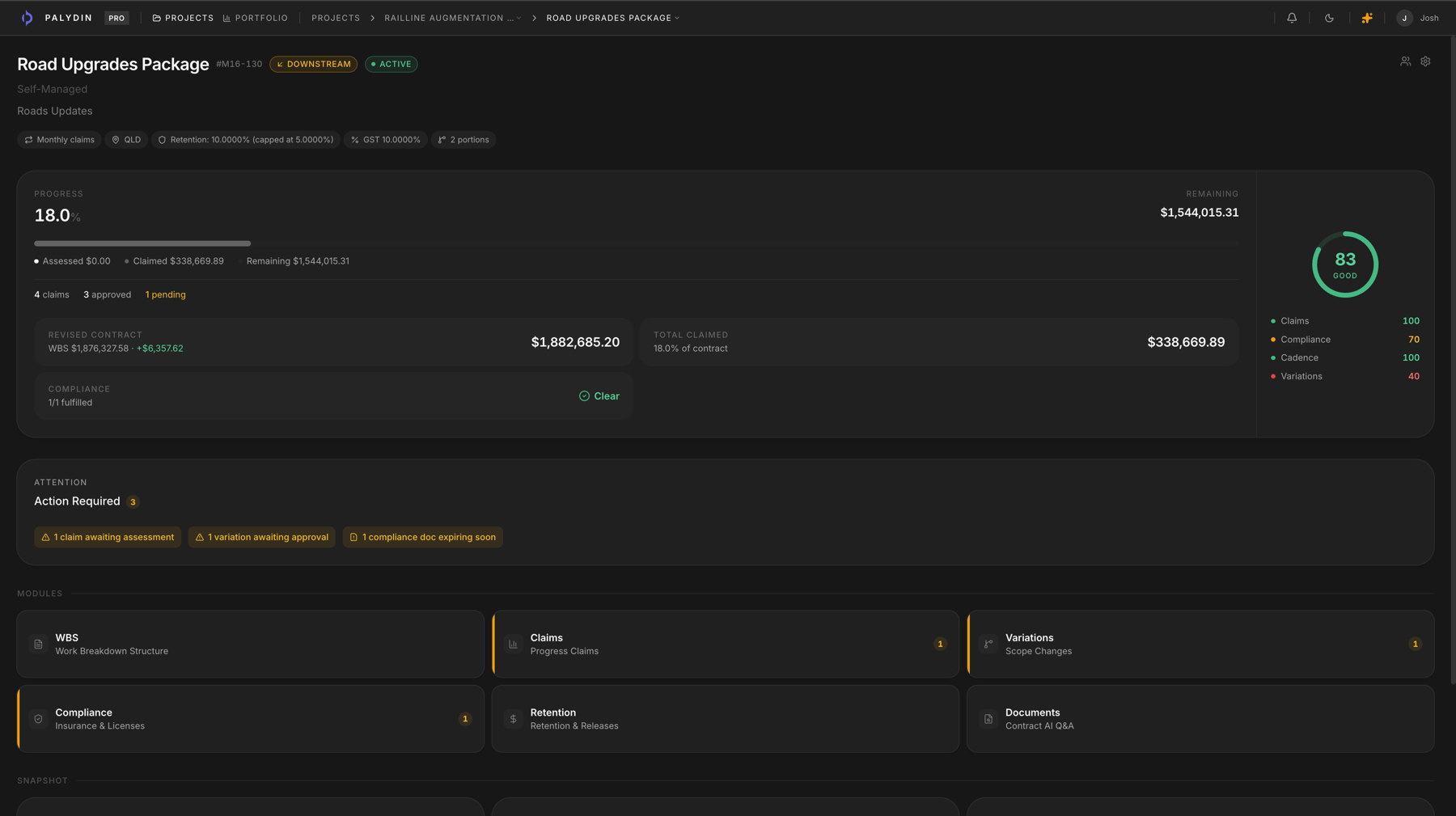
Palydin helps principals, head contractors, and assessors review submitted claims with the contract context, prior assessments, variations, documents, reasons, and audit history in view.
Roles
Assessors need more than the claim total
A claim total does not explain progress, prior assessment, variation impact, retention, or support. Palydin keeps the assessment context close to the claim.
- Review submitted claims with prior assessment history.
- Keep assessment reasons and payment schedule context attached.
- Check variations, documents, retention, and compliance before responding.
How Palydin handles it
A workflow for the full commercial day.
Receive
Open the submitted claim
Review the claim with progress, support, prior assessments, and contract context nearby.
Assess
Record the response
Capture assessed values, reasons, payment schedule context, and supporting detail.
Audit
Keep the decision trail
Preserve who changed what, when, why, and which records supported the decision.
The repeat tasks Palydin keeps together.
- 01
Assess current claims against prior periods.
- 02
Record reasons for approved and rejected amounts.
- 03
Check variation and retention impact.
- 04
Keep payment schedule and audit history available.
What gets easier when the record is clean.
- Less assessment work rebuilt outside the system.
- Clearer reasons attached to claim decisions.
- Better visibility for principals and head contractors.
Follow the work behind the role.
FAQ
Direct answers for search visitors.
Verify the workflow before you talk to sales.
Start the Pro trial, load one contract, draft a real workflow, and decide from the product surface.